
App · Android · Google Play: Life Compass: Self Improvement
Life Compass — build the life you want, one step at a time
"Don't just live through your days. Create the life you want." Every day Life Compass suggests one small step in an important area of your life and shows how those steps add up to real change.
Android app. There is no iPhone version yet.
Screenshots
Why you need a life compass
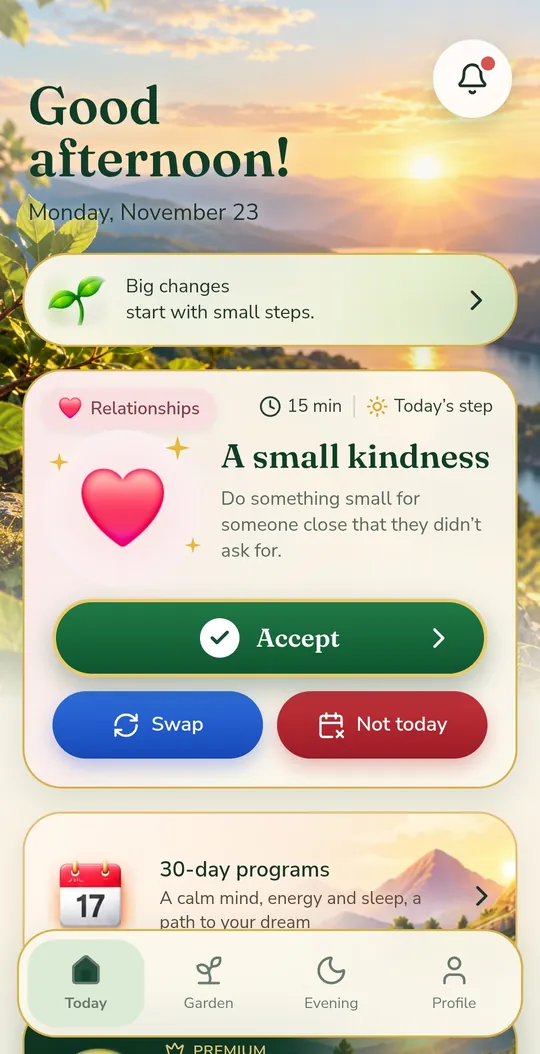
Big goals often feel heavy, so we put them off. Life Compass works differently: instead of a long to-do list you get one clear step for today, for example "A small act of care: do something small for someone close that they didn't ask for" in 15 minutes.
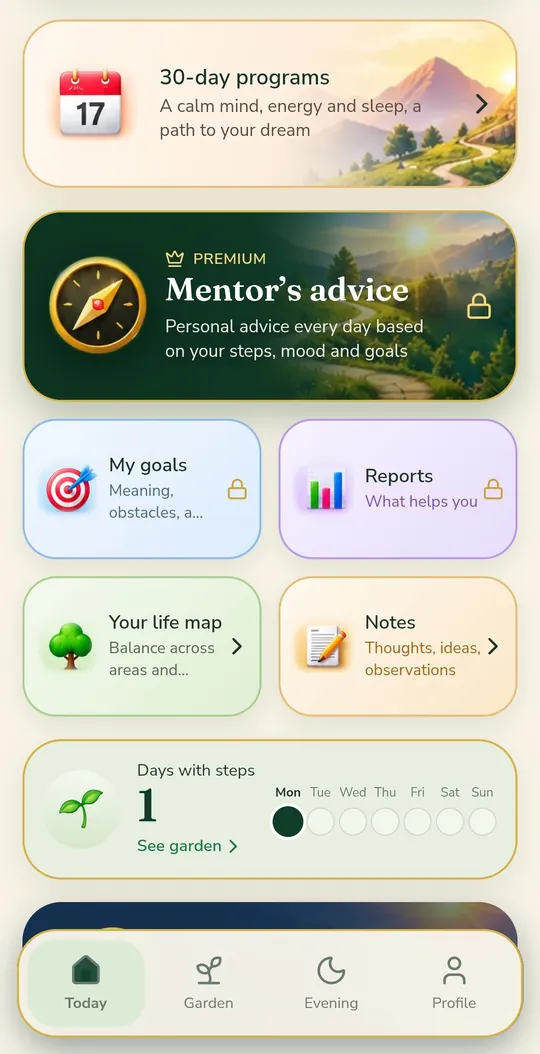
You can accept the step, swap it for another one or say "Not today". The app fits your day instead of demanding the impossible. Consistency matters more than size, so the home screen shows how many days you've taken steps.
What's inside
- A daily step in one area of life: mind, relationships, finances, health and more.
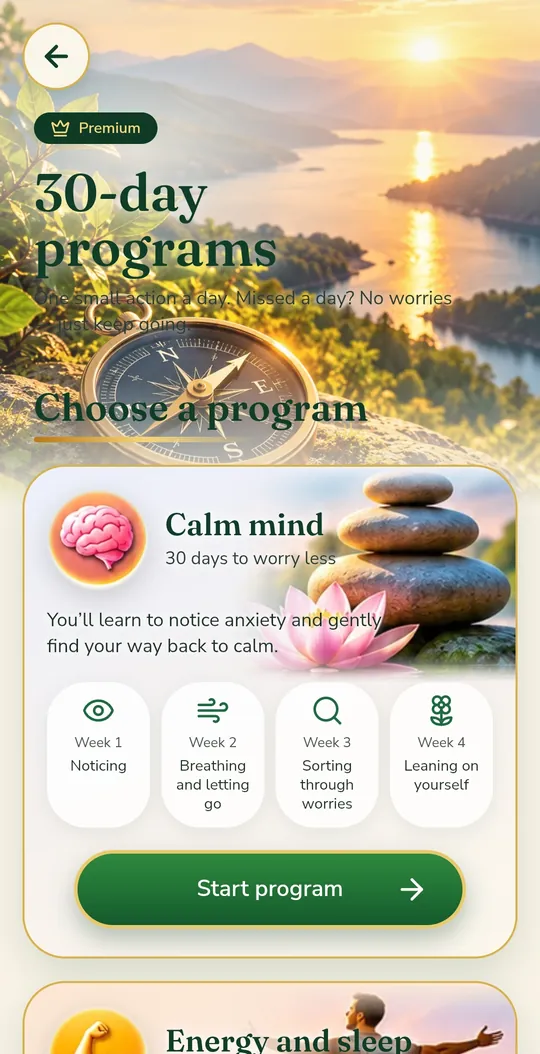
- 30-day programs (Premium): Calm mind — 30 days to worry less, plus Energy and sleep and The path to your dream. Each week has its own focus.
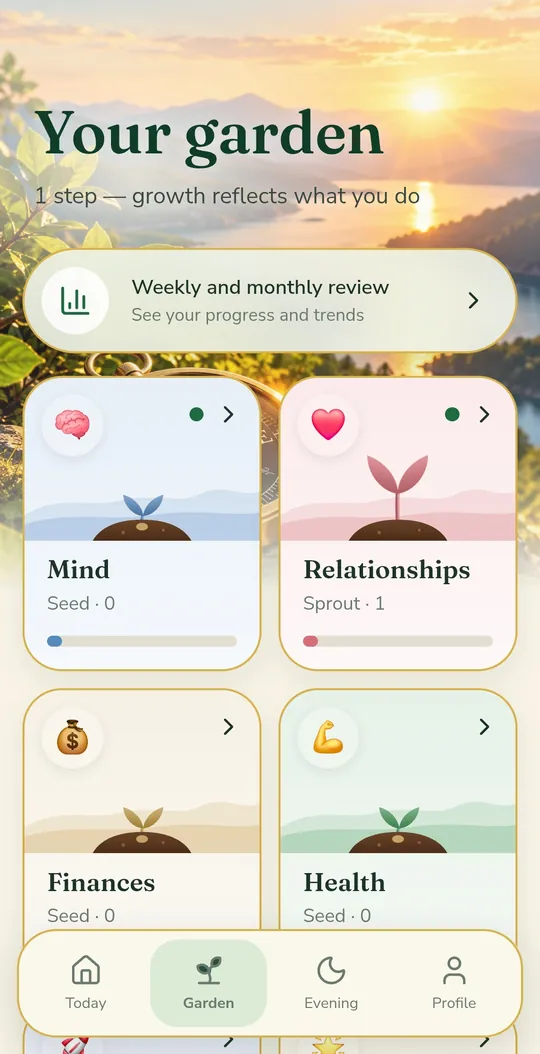
- Your garden: each area grows from a seed to a sprout as you act.
- Life map: the balance of all areas and your progress on one screen.
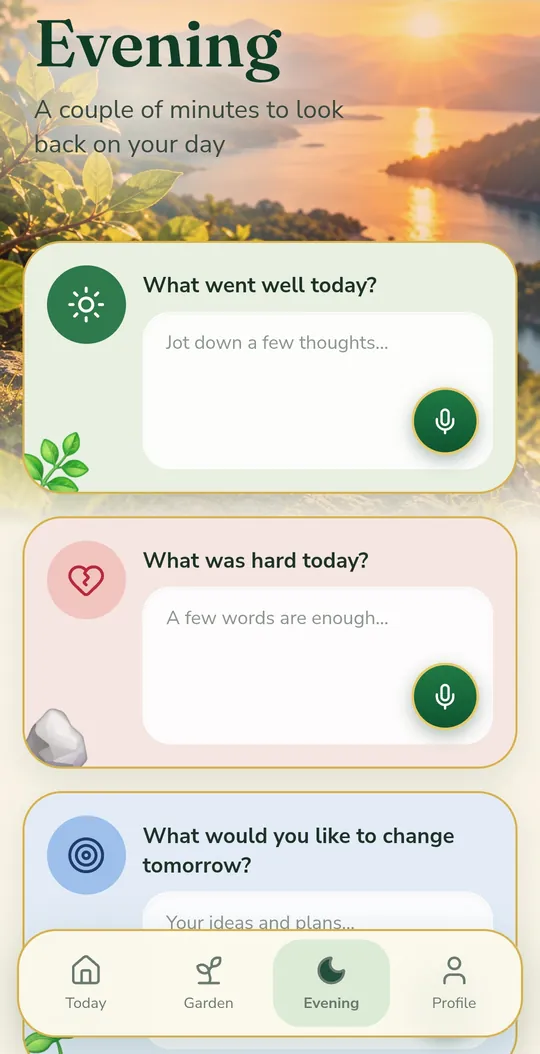
- Evening: a couple of minutes to look back on the day — what went well, what was hard, what to change tomorrow. Type or dictate by voice.
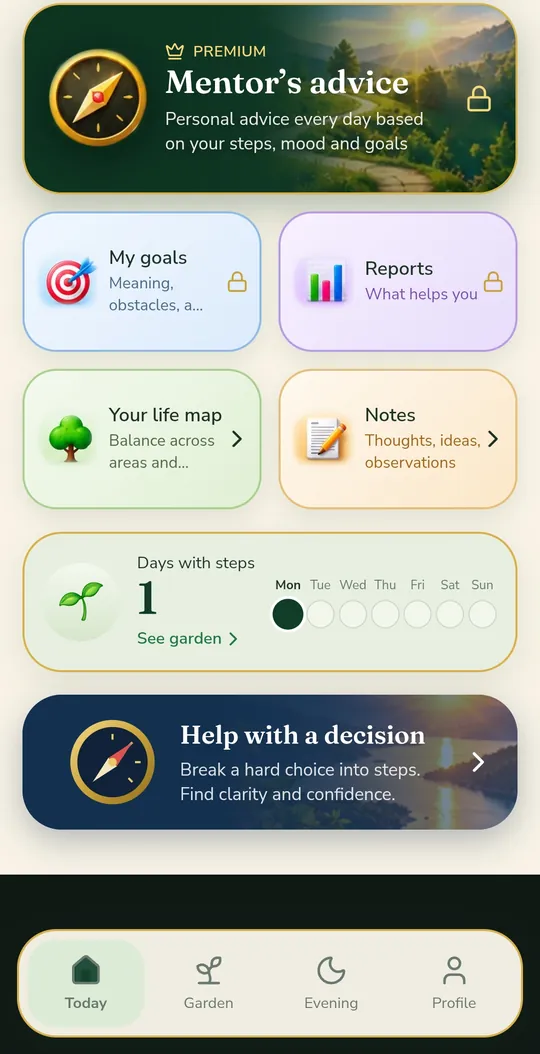
- Decision help: a difficult choice broken down into steps.
- Notes for thoughts, ideas and observations.
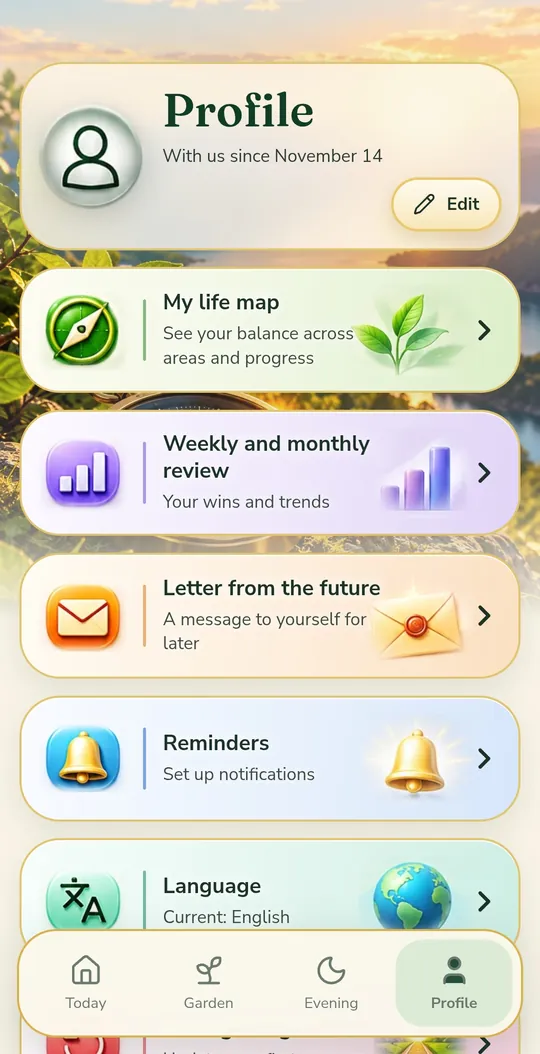
- Weekly and monthly summaries, a letter from your future self, reminders.
Premium
The daily step, the garden, the life map, the evening journal, decision help and notes are free. Premium unlocks the 30-day programs, Mentor's advice (a personal tip every day based on your steps, mood and goals), My goals and reports on what helps you.
Your entries stay with you
Your entries are stored on your device and you can delete them at any time. The profile has an export of all your data to a JSON file and a full data reset.
How to start
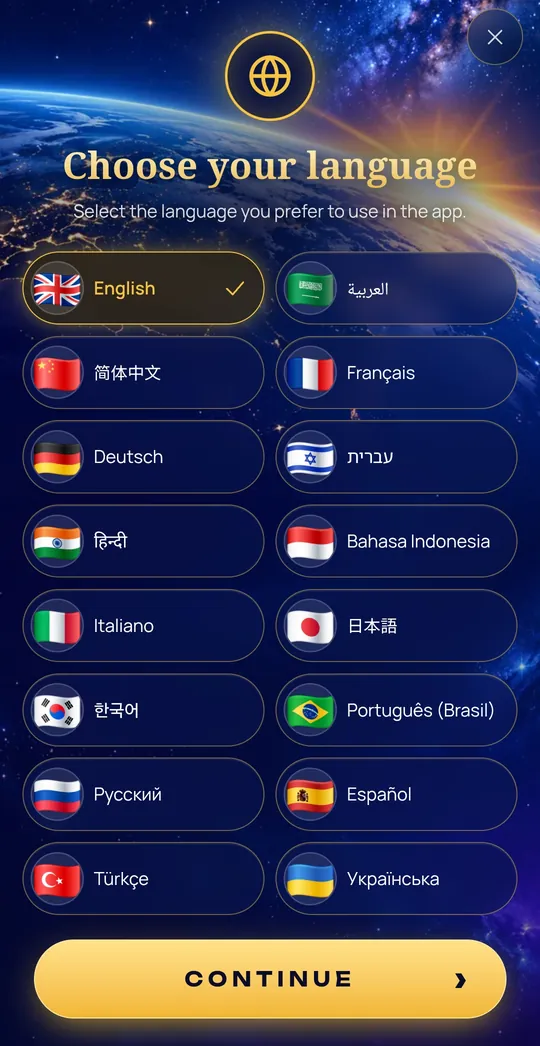
- Install Life Compass from Google Play and choose your language.
- Go through the short introduction: the app asks about your goals.
- Accept your first step of the day and come back in the evening to reflect on how it went.
Why the author made this app
For years Nikolay Shcherbakov has written about how small conscious actions change a life. Life Compass turns that idea into a daily practice. To go deeper into choices and decisions, see the book The Right Choice and the app HEAD & HEART.
Questions and answers
Is Life Compass free?
Yes. You can install it and use the daily step, the garden, the evening journal and notes for free. The 30-day programs, Mentor's advice, goals and reports are part of Premium.
How much time does it take per day?
Usually 10–15 minutes for the daily step and a couple of minutes in the evening. On a busy day you can swap or postpone the step.
Where are my entries stored?
On your phone. You can export them to a JSON file or delete them completely in your profile.
Is there an iPhone version?
Not yet — Life Compass is available for Android on Google Play.