App · Android · Google Play: Frame AI: Video Editor
Frame AI — an AI video editor for short videos
What are we shooting today? Frame AI turns photos into video, edits reels from your clips automatically, voices your text and adds subtitles — all on your phone, no complex software.
Works in the browser on a computer, iPhone and Android, no install.
Coming soon to Google PlayAndroid app. There is no iPhone version yet.
Screenshots
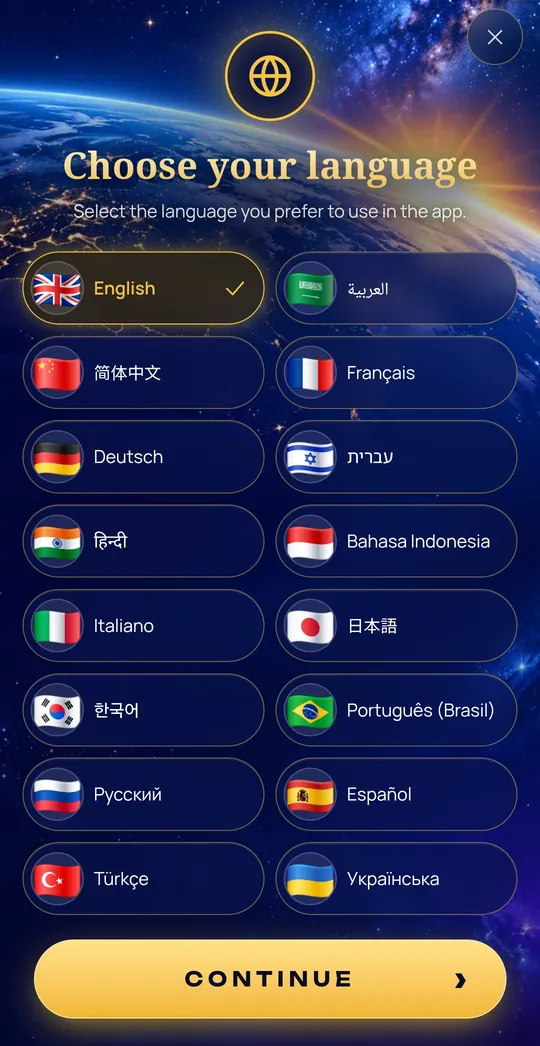
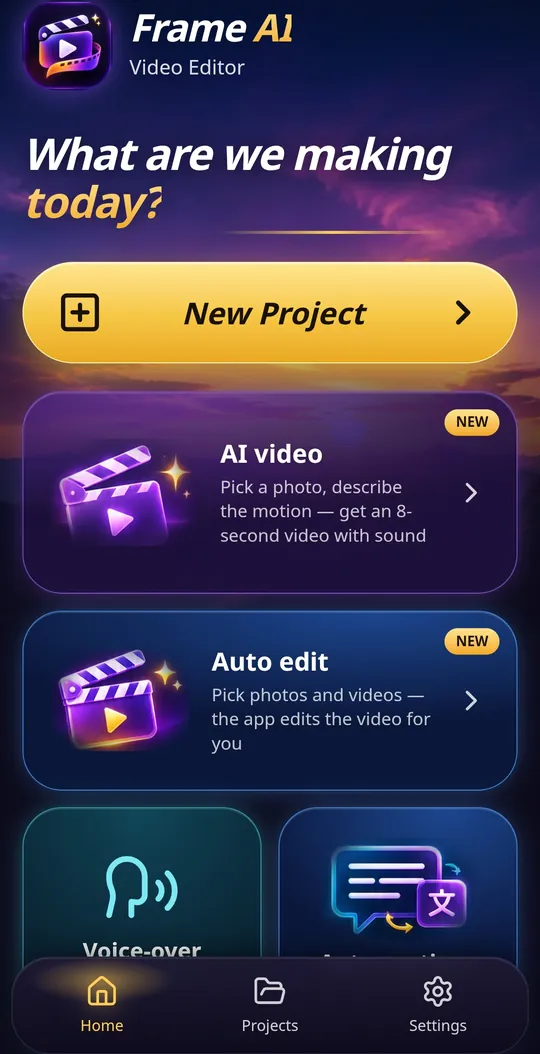
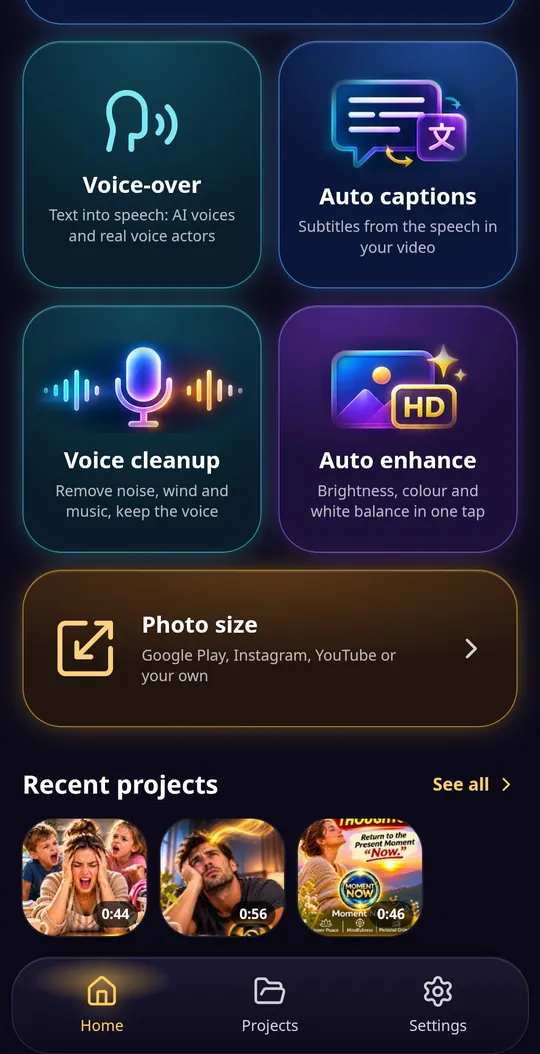
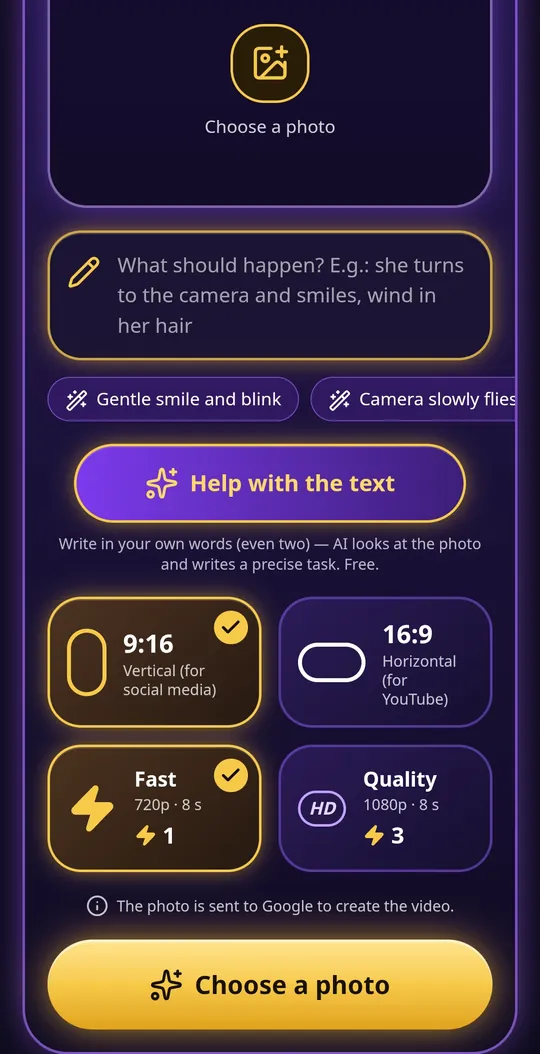
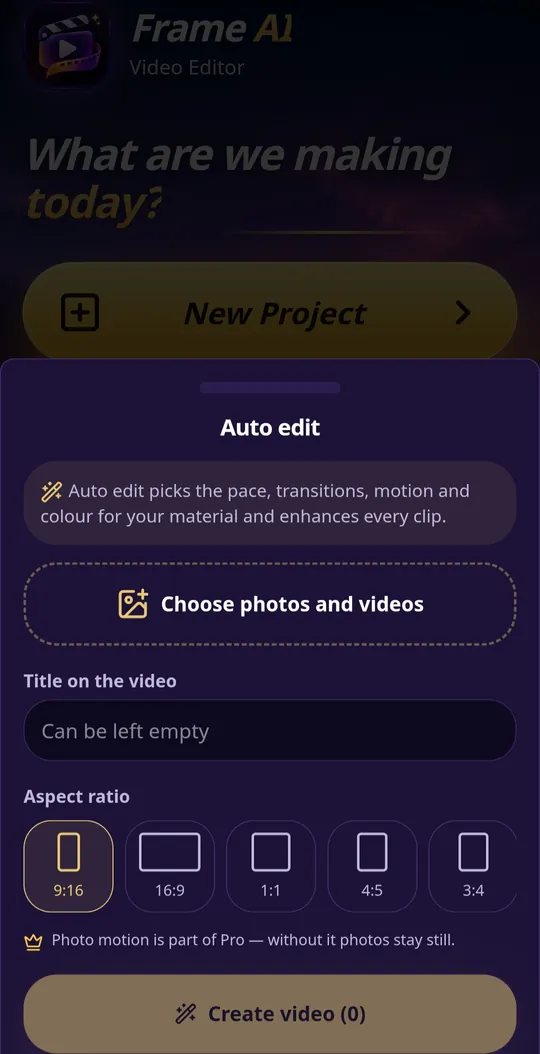
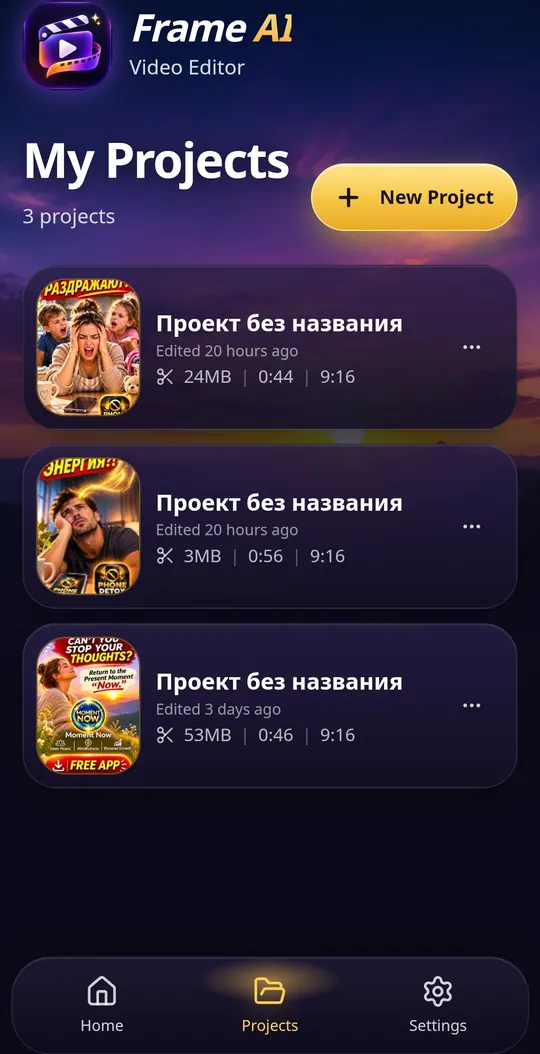
Photo to video with AI
Pick a photo and describe the motion in your own words, for example "she turns to the camera and smiles, wind in her hair". Frame AI creates an 8-second video with sound. There are ready prompts like "a light smile and a blink" or "slow camera zoom", and the free Text help button turns a couple of words into a precise prompt.
Choose vertical 9:16 for social media or horizontal 16:9 for YouTube, and Fast (720p) or Quality (1080p) mode. Generation uses in-app credits. To create the video, the photo is sent to Google.
Auto-edit in a couple of minutes
Select photos and videos and the app edits the reel for you: it picks pacing, transitions, motion and color to suit your footage and enhances every clip. Add a title and choose an aspect ratio: 9:16, 16:9, 1:1, 4:5 or 3:4. Animating photos in auto-edit is part of Pro.
What else the editor can do
- Text to speech: AI voices and real voice actors, up to 3000 characters.
- Auto subtitles: recognizes speech in video and audio tracks and times the captions precisely; show 1, 2 or 3 words or a whole phrase and fix any line.
- Voice cleanup: removes noise, wind and music and keeps the voice.
- Auto enhance: brightness, color and white balance in one tap.
- Photo resize: ready sizes for Google Play (banner, icon, screenshot), Instagram, YouTube or custom.
- Saved projects, undo and redo, and export of the finished video.
Who Frame AI is for
For anyone making short videos for Reels, TikTok, Shorts or ads, running a blog or promoting a business who wants a neat video quickly without a computer. The author makes ad videos for his own apps in Frame AI, such as PHONE DETOX and MOMENT NOW.
Free and Pro
You can install the app and use the editor for free. AI video generation and voiceover use credits, and some features, like animating photos in auto-edit, are part of Frame AI Pro. Projects sync with your account; media stays on your device.
How to start
- Install Frame AI from Google Play and choose your language.
- Tap New project or pick AI video, auto-edit, voiceover or subtitles.
- Add photos or videos, adjust the result and tap Export.
Questions and answers
How do I turn a photo into a video?
Open AI video, choose a photo and describe the motion. Frame AI creates an 8-second video with sound in 9:16 or 16:9.
Is Frame AI free?
The app and the basic editor are free. AI video and voiceover use credits, and some features are part of Pro.
Can it add subtitles automatically?
Yes. Auto subtitles recognize speech in your video and time the text; you can edit every line.
Is there an iPhone version?
Not yet — Frame AI is available for Android on Google Play.